Transforming your living space into a smart home manager system makes life more convenient, fun, and secure. Setting up the perfect system can feel overwhelming, but following a few simple steps can streamline the process. At Dwyer IT, we help Southampton, PA, residents create reliable and efficient home automation solutions.
What is a Smart Home Manager?
This system acts as the brain of your home automation setup. It allows you to control and coordinate smart devices, like lights, locks, and thermostats, using your smartphone or voice commands.
Why Set Up a Smart Home Manager?
Using a smart home manager offers several benefits:
- Convenience: Automate tasks like adjusting lights and locking doors.
- Energy Efficiency: Optimize energy usage with intelligent scheduling.
- Enhanced Security: Monitor and control your home remotely for peace of mind.
How to Build a Smart Home Manager System
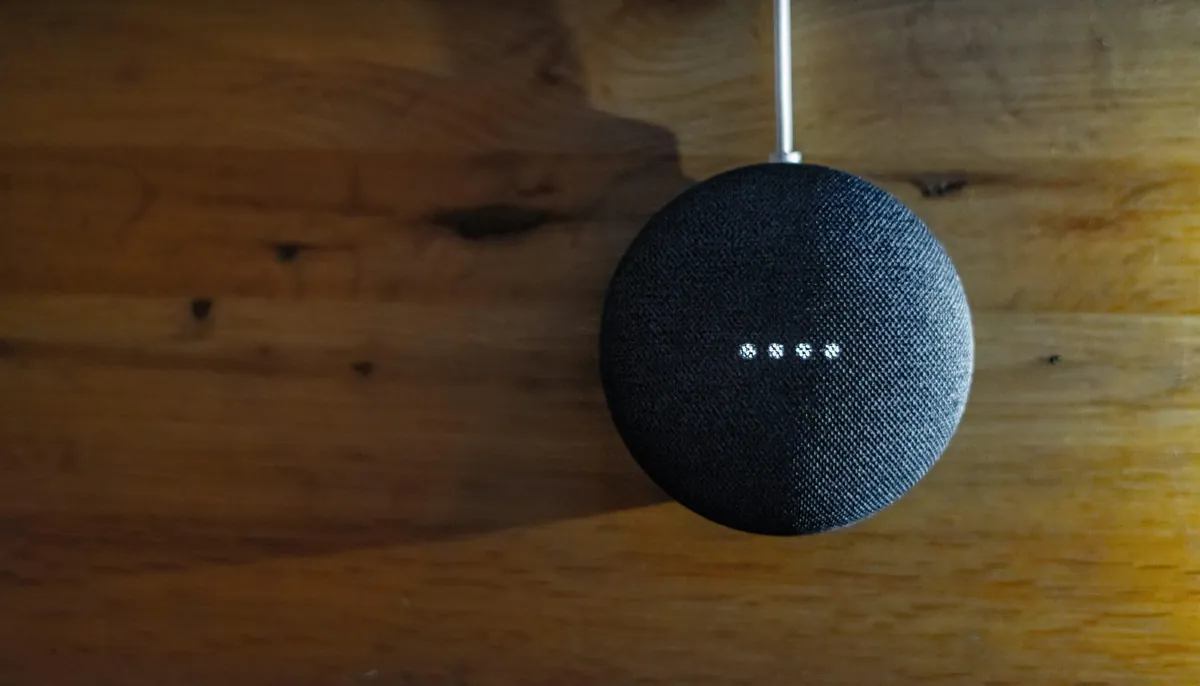
- Choose Your Hub: Select a hub to connect all your devices. Popular options include Amazon Echo and Google Nest.
- Select Compatible Devices: Ensure the devices you buy integrate with your chosen hub. Look for compatibility tags like “Works with Alexa” or “Google Home compatible.”
- Set Up a Strong Network: A reliable Wi-Fi network is essential for seamless operation.
Must-Have Devices for Your Smart Home Manager
- Smart Lights: Adjust brightness and colors or create schedules to suit your routine.
- Smart Thermostats: Control your home’s temperature and reduce energy bills.
- Smart Locks: Secure doors with remote control and provide digital keys for guests.
Making Your Devices Work Together
- Use Routines: Simplify tasks by grouping multiple actions into a single command.
- Group Devices: Organize devices by room for easier management.
Keeping Your Smart Home Manager Secure
Security is a priority when managing a connected home:
- Set Strong Passwords: Protect each device with a unique password.
- Update Software Regularly: Stay ahead of security risks with the latest updates.
Troubleshooting Smart Home Issues
- Check Network Strength: Ensure your Wi-Fi is stable and strong.
- Restart Devices: Resetting devices often resolves technical glitches.
- Call for Help: When in doubt, consult a professional or customer support team.
Make Your Southampton Home Smarter Today
A smart home manager is the key to a more convenient, secure, and efficient living space. By following these tips, you can build a system that meets your needs while simplifying your day-to-day activities.
Need expert assistance? Contact Dwyer IT to design and implement the perfect solution for your Southampton home.