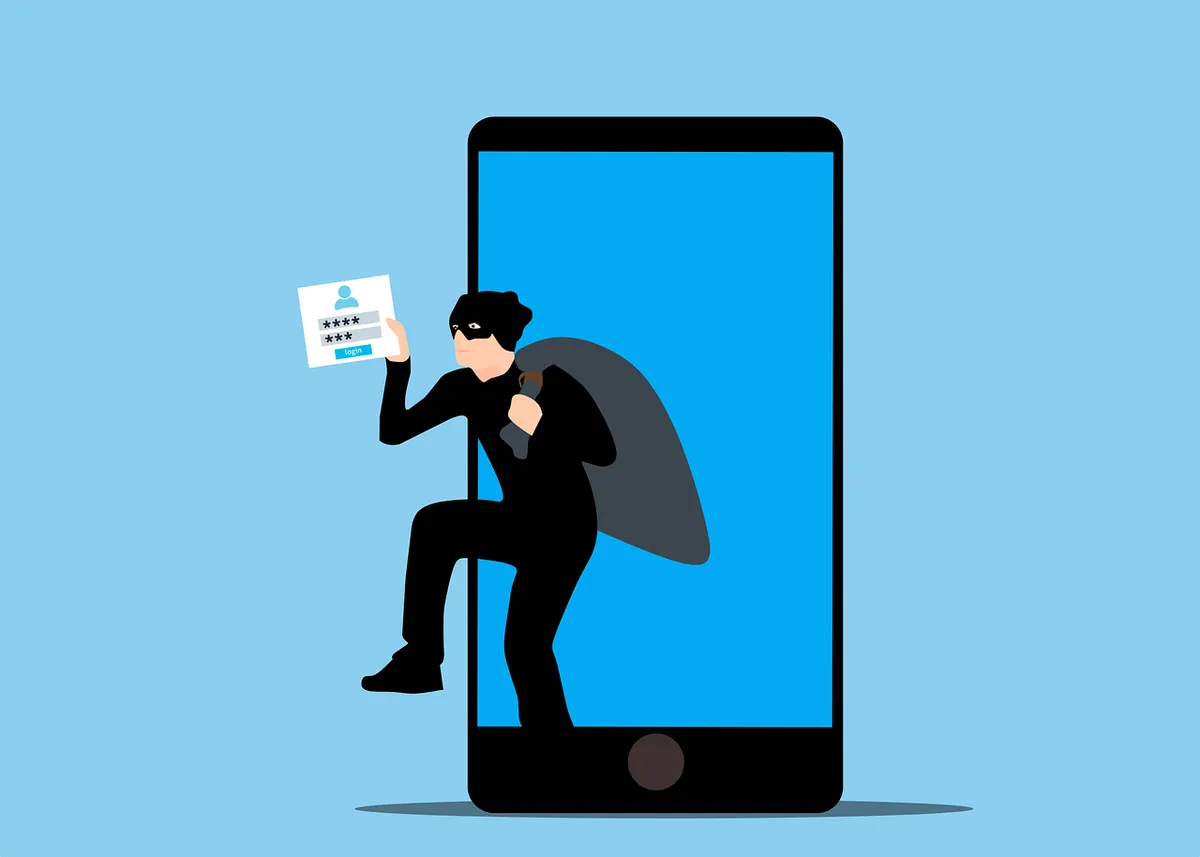
Our smartphone is a digital wallet, communication hub, and personal assistant—all rolled into one portable device. It’s packed with sensitive data, from financial information to personal photos, making it a prime target for cyber threats.
Mobile malware is often overlooked as people focus on securing their laptops or desktops. But smartphone and tablet security is just as crucial, especially in Trevose, PA.
In 2023, attacks on mobile devices increased by 50% over the prior year.
The fact is, hackers haven’t overlooked mobile devices. They set many traps to get users to infect their devices with malware. Let’s uncover common mobile malware traps and show you how to avoid them, keeping your devices in Trevose safe and secure.
Common Mobile Cyber Threats
Mobile malware, like its computer counterpart, is malicious software designed to harm your device or steal your data. It can arrive in various forms, from sneaky apps to deceptive links. Understanding the common traps is your first line of defense.- Phishing Attacks: These are the most common. You receive a text or email appearing legitimate, often mimicking trusted brands. Clicking links or downloading attachments can lead to malware infection.
- Malicious Apps: Not all apps are safe. Some apps contain hidden malware that can steal data, display ads, or even control your device. Always research apps before downloading, especially from lesser-known sources.
- SMS Scams: Phishing SMS scams, or smishing, use text messages to trick you into clicking links or sharing personal information. Be wary of unexpected messages, especially those asking for sensitive info.
- Wi-Fi Risks: Public Wi-Fi networks are often unsecured. Connecting to them without caution can expose your device to hackers. Avoid accessing sensitive information on public Wi-Fi, particularly in busy areas around Trevose.
- Fake Apps: These mimic popular apps but are actually malware in disguise. They can steal your login credentials, financial information, or even control your device. Always verify app authenticity before downloading.
- Adware: While less harmful than other malware, adware can be annoying and potentially expose you to other threats. It often comes bundled with other apps.
Protecting Yourself: Essential Tips
- Stay Updated: Keep your phone's operating system and apps updated. Install the latest security patches or turn on auto-update to ensure your device remains protected against the latest threats.
- Be Wary of Links and Attachments: Avoid clicking on links or downloading attachments from unknown senders. These are common vectors for malware infections.
- Strong Passwords: Create complex passwords for your phone and all your apps. Consider using a password manager to keep track of them.
- App Store Safety: Only download apps from official app stores like Google Play or the Apple App Store. Read reviews and check permissions before installing to avoid risky apps.
- Beware of Public Wi-Fi: Use a VPN when connecting to public Wi-Fi to encrypt your data and protect it from potential hackers.
- Regular Backups: Back up your phone regularly to protect your data from loss or corruption. This is crucial in case your device is compromised.
- Security Software: Consider using a reputable mobile security app for added protection. These apps can offer real-time protection against malware and other threats.
Extra Steps to Safeguard Your Smartphone
Here are a few more layers of protection you can use to fortify your smartphone’s defenses in Trevose:Physical Security Matters against Cyber Threats
- Lock It Up: Always set a strong passcode, fingerprint, or facial recognition lock. Avoid simple patterns that can be easily guessed.
- Beware of Public Charging: Avoid using public USB charging stations. These can be compromised, allowing hackers to access your device.
- Lost or Stolen Phone: If your phone is lost or stolen, remotely wipe its data to protect your sensitive information.
App Permissions: A Closer Look
- Limit App Permissions: When installing apps, carefully review the requested permissions. Deny unnecessary permissions to safeguard your privacy and data. For instance, a flashlight app doesn’t need access to your contacts.
- Regular App Audits: Periodically review the apps on your phone. Uninstall apps you no longer use to reduce potential vulnerabilities.
Backup Your Data
- Cloud Backups: Use cloud storage services to back up your data regularly. This ensures you have a copy of your important files even if your phone is lost, stolen, or damaged.
- Local Backups: Consider backing up your phone to your computer. This is another added layer of protection.
Empower Yourself: Take Control of Your Digital Life
By following these tips, you can significantly enhance your smartphone's security. Remember, prevention is always better than cure. Stay vigilant, informed, and proactive in protecting your digital life in Trevose, PA.Your smartphone is a powerful tool, but it’s also a potential for cyber threats. By understanding the threats and taking proactive steps, you can prevent catastrophe. Enjoy the benefits of mobile technology without compromising your (or your company’s) security!
Contact Us to Fortify Mobile Security at Home and Office in Trevose, PA
A majority of employees use personal devices for work. This means mobile malware can impact more than one individual; it can also lead to a data breach of an entire company network.Be proactive and put mobile security in place now. Our team of experts in Trevose can help with reliable solutions to secure all your devices.
Contact us today to schedule a chat about mobile device protection.
Featured Image Credit
This article has been republished with permission from The Technology Press.